1
Upload a clear photo
Start with a JPG, PNG, or WebP image. Portraits, pet photos, house photos, product shots, and landscapes work best when the subject is sharp and easy to separate from the background.
Convert your photo to a realistic pencil drawing with natural graphite lines, balanced shading, and a clean hand-drawn finish. Upload a portrait, pet, house, product, or landscape, preview the pencil effect, and choose the style that fits your image.
Upload Photo to StartWorks with portraits, pets, houses, products, and everyday phone photos.
Faces, fur, buildings, groups, and landscapes need different kinds of detail. Explore how the preview holds up across each subject.
Start balanced, go lighter for a sketchbook feel, or keep more graphite texture and shadow.
Four quick steps
Start with a JPG, PNG, or WebP image. Portraits, pet photos, house photos, product shots, and landscapes work best when the subject is sharp and easy to separate from the background.
Select realistic pencil drawing, soft pencil sketch, or detailed graphite drawing. Each preset changes the balance of graphite lines, shading, and paper-like texture.
Use the image preview control to check whether the result keeps the original shape and detail. The preview should feel like a drawing, not a flat grayscale photo.
Create the pencil drawing, compare it with the original, and download the result for sharing, printing, or creative reference.
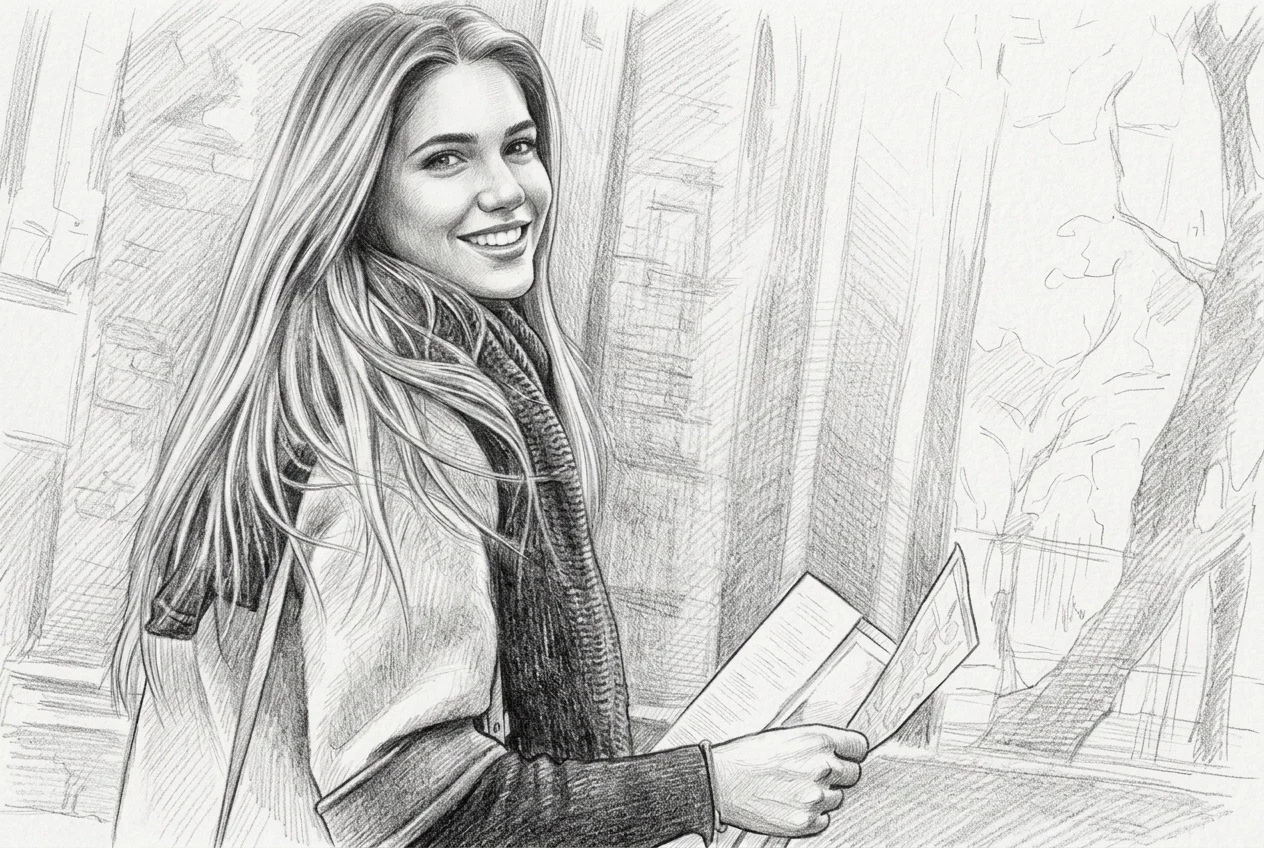
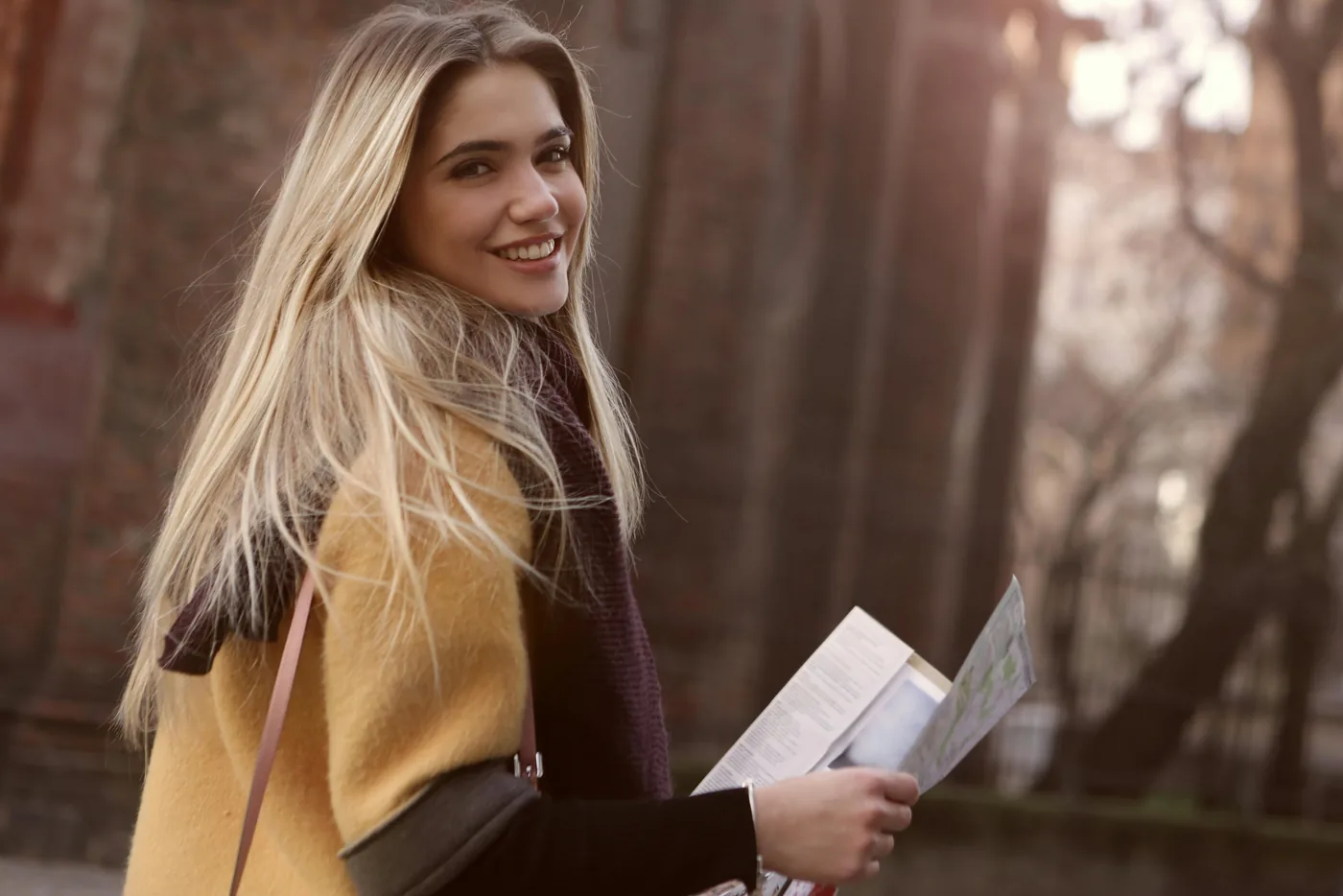
Turn a portrait photo into a pencil drawing that keeps the eyes, smile, hair shape, and soft skin shading. This is the strongest use case for people who want a gift-ready drawing from a clear face photo.
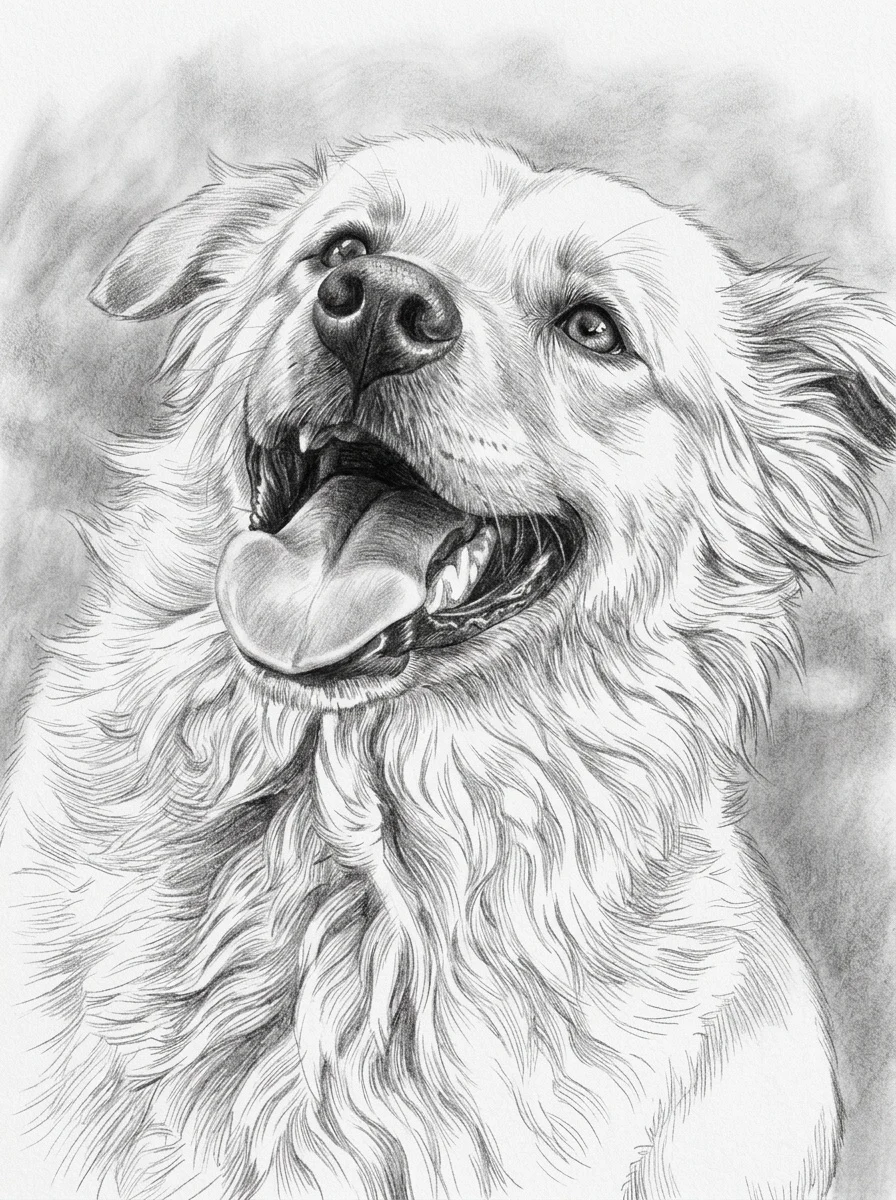
Create a pet photo to pencil drawing that keeps the expression, fur direction, and face shape. A detailed graphite style works especially well for dogs and cats with bright eyes and sharp outlines.
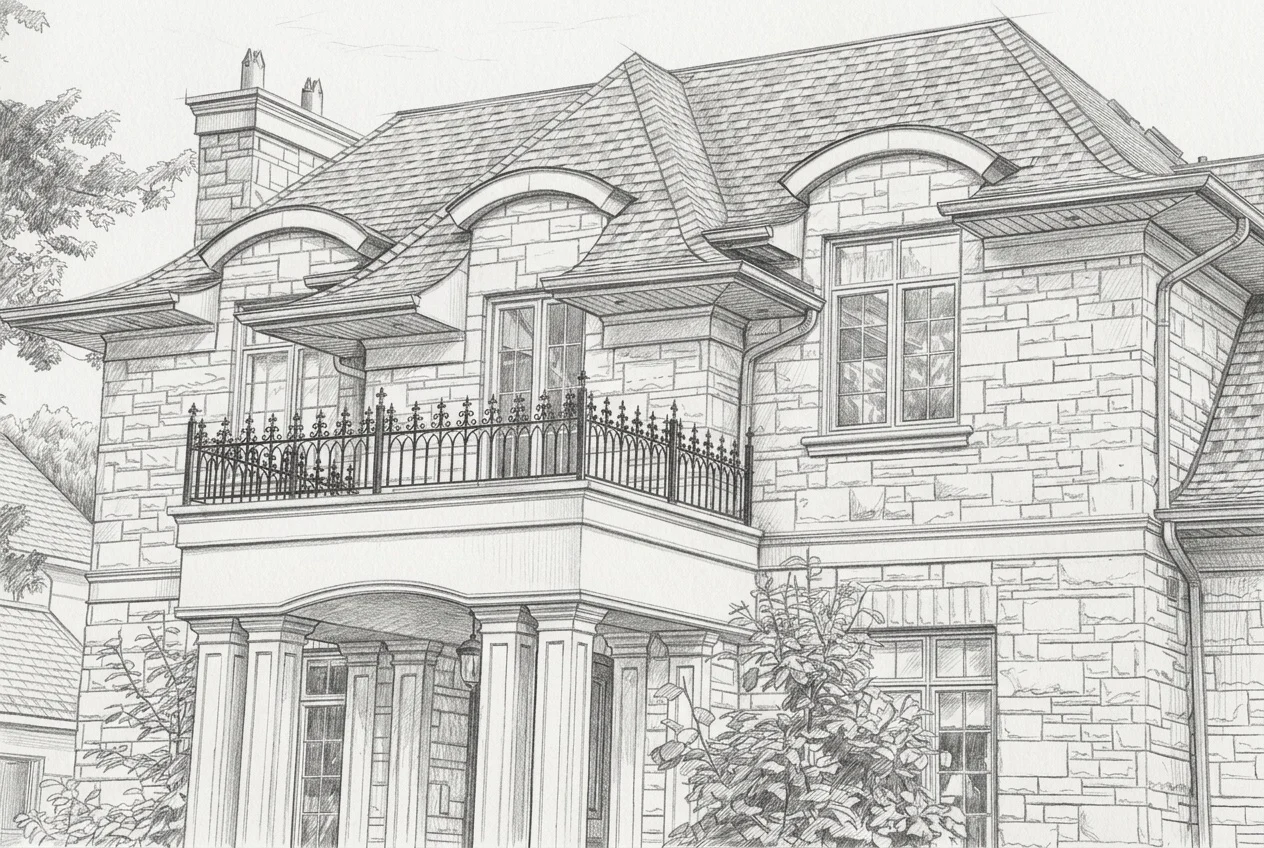
Convert a house photo to pencil drawing for framed prints, real estate gifts, renovation records, or architecture references. Clean lines help windows, balconies, roof edges, and brick patterns stay readable.
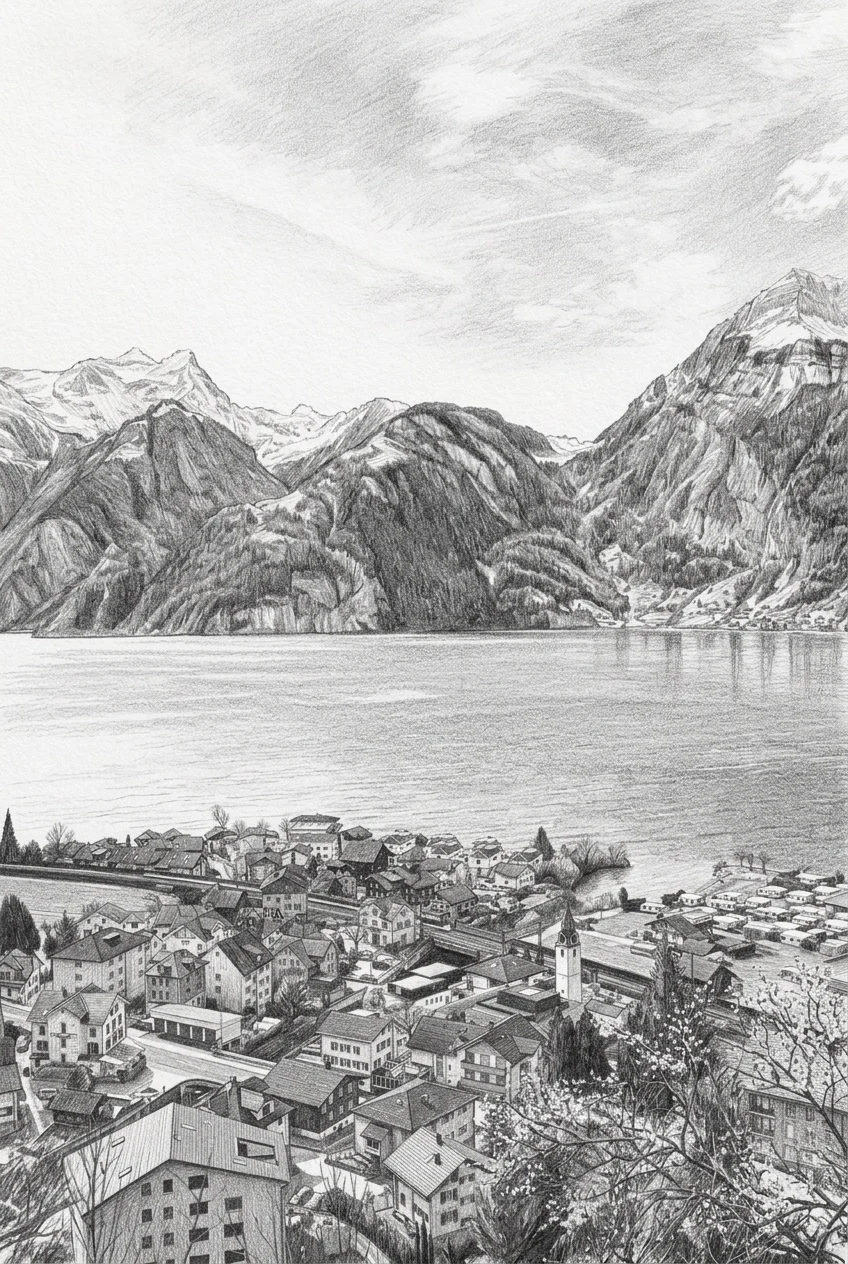
Use photo to pencil drawing results as references for illustration, tracing, journaling, posters, classroom material, or concept exploration. The goal is not only a filter, but a usable drawing base.
Know what you will get
A grayscale filter only removes color. Pencil styles rebuild the photo with graphite strokes, structure, texture, and intentional shading.
A photo to pencil drawing usually feels more complete. It keeps structure, darker graphite marks, blended shading, and enough detail to look like a finished hand drawn piece.
A photo to pencil sketch is often lighter and quicker. It can use fewer strokes, softer contrast, and a casual sketchbook look for simple keepsakes.
A grayscale filter only removes color. A strong pencil drawing converter should rebuild the image with lines, tones, texture, and visible pencil-style interpretation.
Clear subjects and even light give the graphite effect more useful structure.
Prepare your image
A strong result starts with a photo where the main subject is easy to recognize. Choose an image that is sharp, evenly lit, and large enough to show the details you want the drawing to keep. Natural window light or soft outdoor light usually produces cleaner graphite shading than a dark room, a harsh flash, or strong backlighting.
For portraits, use a clear face with visible eyes, hair, and a simple background. Pet photos work best when the eyes are bright and the fur is not blurred by movement. For houses, products, and architecture, keep rooflines, windows, edges, and surface details in focus. Landscapes benefit from visible separation between the foreground, middle distance, and sky.
Avoid tiny subjects, heavy motion blur, screenshots with text, extreme beauty filters, and crowded backgrounds that compete with the subject. Cropping closer before upload can make important features easier to preserve. If the first pencil effect feels too dark or busy, try a brighter source photo or choose the Soft style. Use Detailed when the image has strong edges, textured fur, buildings, or product shapes that need more definition.
Pick a plan when you need predictable pencil drawing credits, watermark-free downloads, and more room for creative work.
For occasional photo to pencil drawing conversions
$5.00/mo
Billed yearly at $59.99
For regular creative projects
$15.00/mo
Billed yearly at $179.99
For higher-volume pencil drawing workflows
$45.00/mo
Billed yearly at $539.99
Permanent packs stay on your account and are available on the full pricing page.
Questions before you start
Straight answers about pencil styles, useful source photos, downloads, and finished results.
Upload a clear photo, choose a pencil drawing style, and create a photo to pencil drawing preview. The best results usually come from sharp portraits, pet photos, house photos, product photos, and landscapes with clean lighting.
Yes. A photo to pencil drawing usually looks more finished, with stronger graphite detail, structure, and shading. A photo to pencil sketch can be lighter, quicker, and more casual.
Clear photos with a visible subject work best. Use even lighting, avoid heavy blur, and choose images where faces, fur, house lines, product edges, or landscape shapes are easy to see.
No. The converter workflow is designed for people who want a pencil drawing effect without drawing manually. Upload a photo, pick a style, and preview the pencil drawing result.
Yes. Portraits and pet photos are two of the strongest use cases. A good portrait photo to pencil drawing should keep eyes, hair, facial structure, and natural shading. A good pet result should keep fur direction and expression.
Yes. You can download completed pencil drawings as JPG images. Downloads do not use an additional credit.
Use photo to pencil drawing when you want a more finished result with stronger graphite lines and shading. Use photo to pencil sketch when you want a lighter, more casual look.
Use a high resolution photo with the subject close to the camera, avoid busy backgrounds, and pick the style based on the subject. Realistic pencil drawing works well for portraits, detailed graphite works well for houses and pets, and soft pencil sketch works well for lighter keepsake images.
Ready when you are
Upload a clear portrait, pet, house, product, or landscape and choose the graphite finish that fits what you want to keep.